вЊ•
Search words
Type a word or question and find every matching moment.
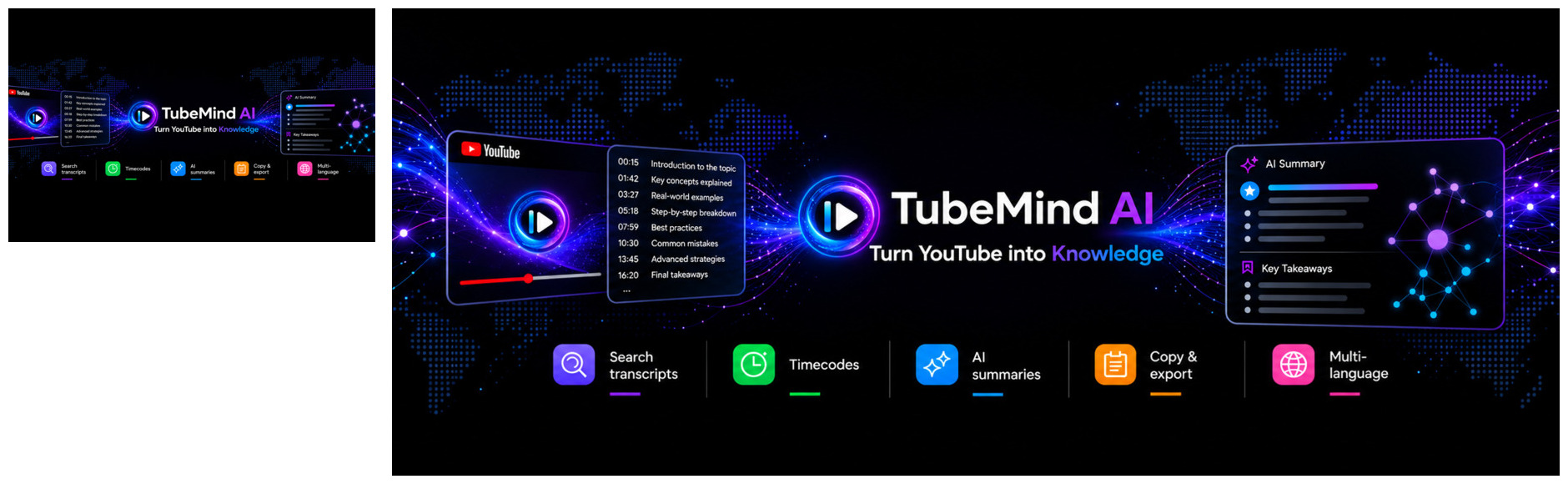
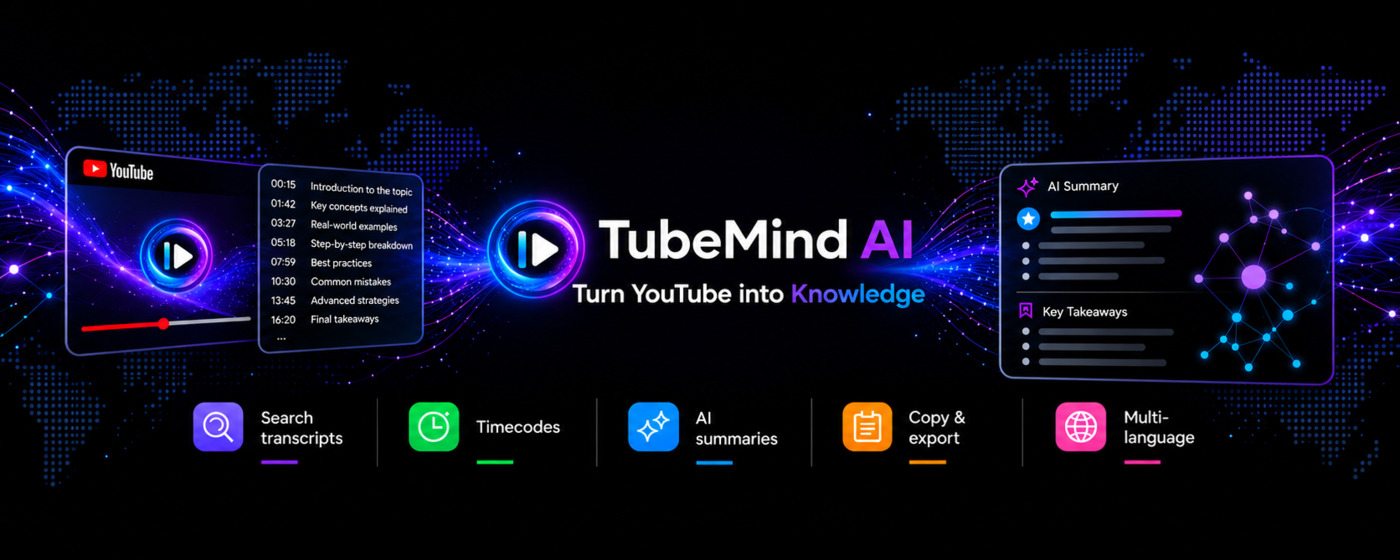
TubeMind AI helps you search a video, jump to the right moment, understand the big idea, and keep what matters.
For students, creators, researchers, and anyone who wants to learn without endless scrolling.
Search transcripts, jump to timecodes, get optional AI summaries, and copy the moments worth keeping.
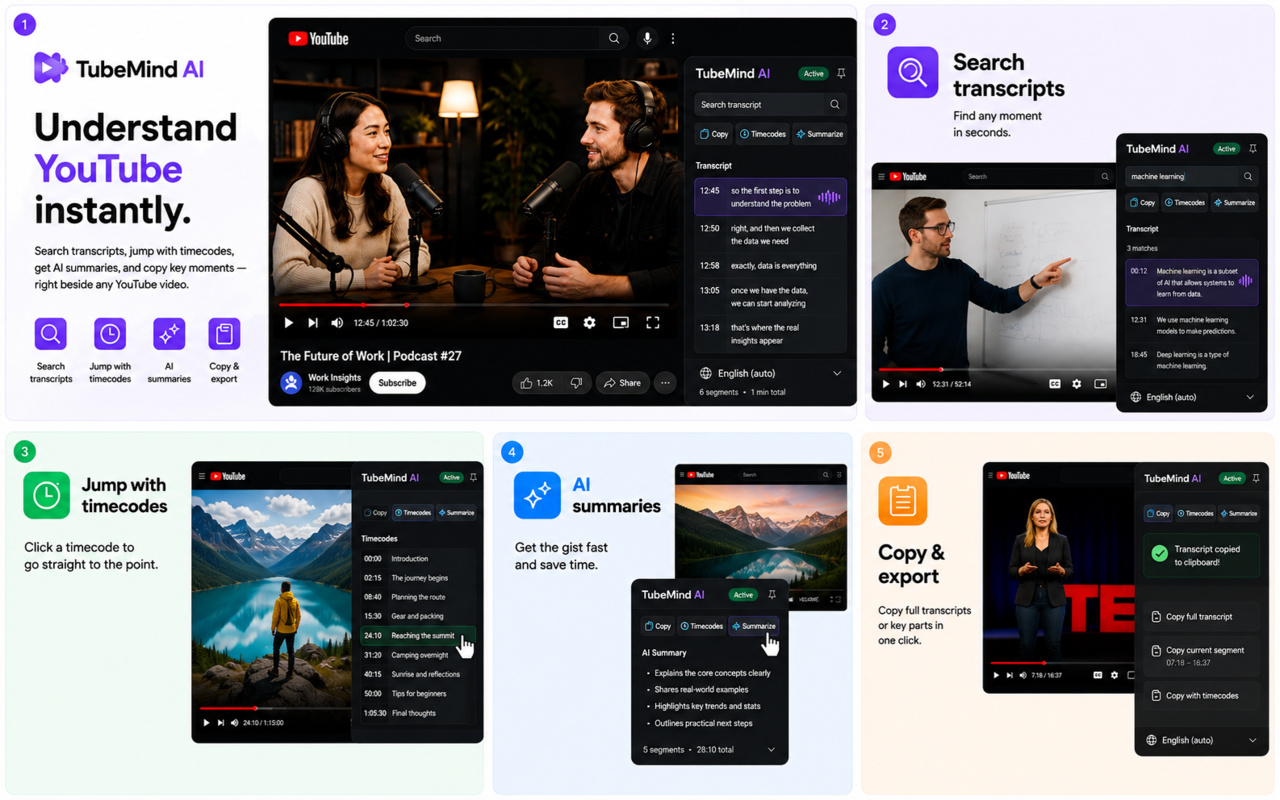
No complicated dashboard. TubeMind AI appears beside the YouTube video and keeps the useful parts close.
Type a word or question and find every matching moment.
Click a timecode and go straight to the part you need.
Make an optional AI summary when you want the short version.
Copy a full transcript or just one useful segment.
It feels as simple as looking for a word in a book.
Choose a lecture, interview, tutorial, podcast, or any video with captions.
TubeMind AI shows the matching words and their exact timecodes.
Read, jump, copy, summarize, and keep moving with the good idea.
Watch the English product walkthrough with subtitles.
Watch the demo в†—Follow the project, watch examples, and get the next useful update.
Install the official TubeMind AI extension and try it on YouTube.
Install extension в†—News, product updates, and practical examples in one place.
Open channel в†—See how transcript search and timecodes work before you install.
Open YouTube в†—Turn your next YouTube video into something you can actually use.
Get TubeMind AI free в†—